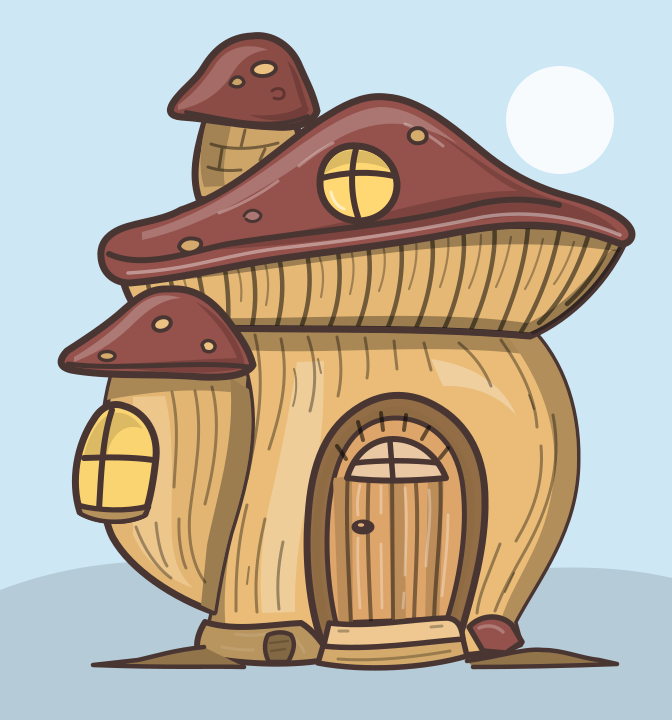
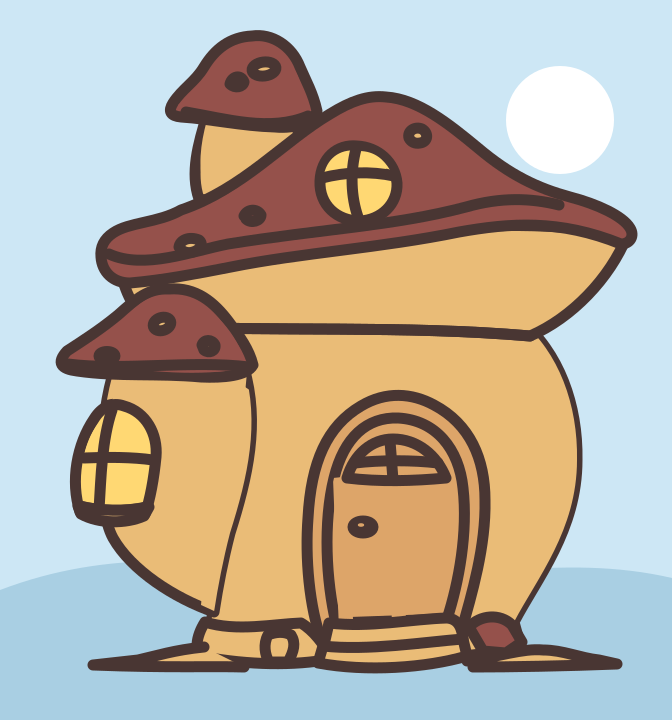
Mushroom cottage, shaded
For sharp rendering. Soft shading, made of light and dark see-through layers, follows any colour you choose.
- Sky
#CDE7F5 - Roof
#95514B - Walls
#EABC77 - Windows
#FFD873 - Door
#DDA569
Pixel art
Import a layered SVG, recolour it once, and SVG Variants draws many unique pixel art editions from it. Choose the NFT collection output and each edition also gets its own JSON metadata file. With flat fills, each pixel takes one of the colours painted in its edition, so every image stays crisp, with clean colours.
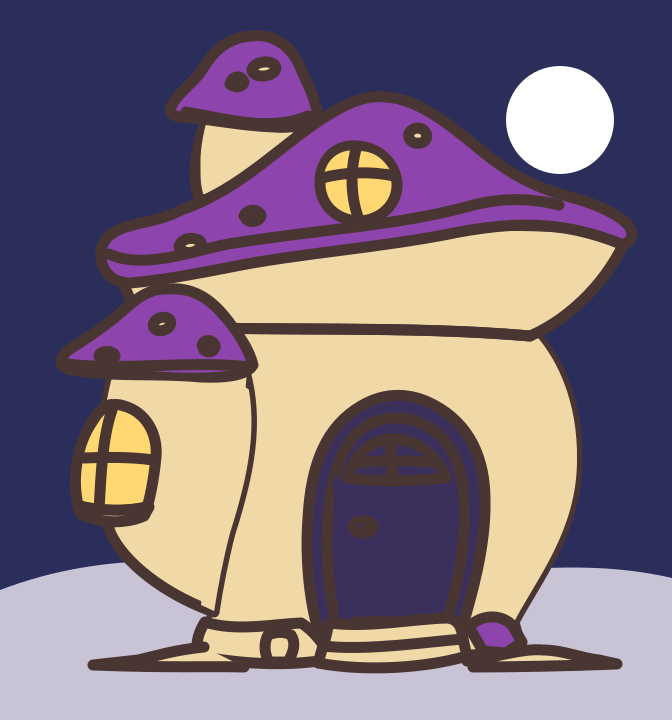

4 steps
Your own drawing, or one of the free templates below. SVG Variants reads its layers and colours.
Give each detected colour a list of new colours, with a weight for how often each one appears. Previews are free.
In Settings › Rendering, choose Pixel art and a grid width from 8 to 256 pixels across. These examples use 64. Pixel art is free to try in the previews.
With a pack, get pixelated PNG files with one JSON metadata file per edition for an NFT collection, PNG files alone, or print files at 300 DPI.
Real output
Roof 6 colours, walls 4, door 4, ground 3, sky 5; the windows have a palette with a single colour, Light. Multiplied, that makes 1,440 different houses from the same SVG.


How often each value appears in these 12 editions. A value used by every edition shows 100%.
{
  "collectionName": "Mushroom House",
  "editions": 12,
  "traits": {
    "Roof": [
      {
        "valeur": "Red",
        "nombre": 5,
        "pourcentage": 41.67
      },
      {
        "valeur": "Blue",
        "nombre": 3,
        "pourcentage": 25
      },
      {
        "valeur": "Purple",
        "nombre": 2,
        "pourcentage": 16.67
      },
      {
        "valeur": "Pink",
        "nombre": 2,
        "pourcentage": 16.67
      }
    ],
    "Walls": [
      {
        "valeur": "Cream",
        "nombre": 4,
        "pourcentage": 33.33
      },
      {
        "valeur": "Sand",
        "nombre": 3,
        "pourcentage": 25
      },
      {
        "valeur": "Blush",
        "nombre": 3,
        "pourcentage": 25
      },
      {
        "valeur": "Sage",
        "nombre": 2,
        "pourcentage": 16.67
      }
    ],
    "Door": [
      {
        "valeur": "Night blue",
        "nombre": 5,
        "pourcentage": 41.67
      },
      {
        "valeur": "Walnut",
        "nombre": 3,
        "pourcentage": 25
      },
      {
        "valeur": "Burgundy",
        "nombre": 3,
        "pourcentage": 25
      },
      {
        "valeur": "Pine",
        "nombre": 1,
        "pourcentage": 8.33
      }
    ],
    "Windows": [
      {
        "valeur": "Light",
        "nombre": 12,
        "pourcentage": 100
      }
    ],
    "Ground": [
      {
        "valeur": "Stone",
        "nombre": 5,
        "pourcentage": 41.67
      },
      {
        "valeur": "Sand",
        "nombre": 4,
        "pourcentage": 33.33
      },
      {
        "valeur": "Grass",
        "nombre": 3,
        "pourcentage": 25
      }
    ],
    "Sky": [
      {
        "valeur": "Dawn",
        "nombre": 3,
        "pourcentage": 25
      },
      {
        "valeur": "Clear",
        "nombre": 3,
        "pourcentage": 25
      },
      {
        "valeur": "Night",
        "nombre": 2,
        "pourcentage": 16.67
      },
      {
        "valeur": "Pale green",
        "nombre": 2,
        "pourcentage": 16.67
      },
      {
        "valeur": "Sunny",
        "nombre": 2,
        "pourcentage": 16.67
      }
    ]
  }
}
Before you draw
More on preparing your file in the layered SVG guide. Everything else SVG Variants does is on the product page.
Download
The mushroom house from this page, in two versions. Free to download and use with SVG Variants, for practice and for your own collections.
For sharp rendering. Soft shading, made of light and dark see-through layers, follows any colour you choose.
#CDE7F5#95514B#EABC77#FFD873#DDA569Made for a 64 px grid: thicker outline, flat colours. The sun (#FFFFFF) and the outline (#493633) are meant to stay as they are.
#CDE7F5#A9CFE3#95514B#EABC77#FFD873#DDA569Pricing
Pixel art is a paid feature, free to try in the previews. Generating pixel art files needs an account with a pack, and adds 1 credit per edition to the output you choose: for example 2 credits instead of 1 for a 1024 px PNG, or 3 instead of 2 for an NFT edition with a 1024 px PNG and JSON metadata. Packs are not on sale yet: until then, pixel art stays in the previews. See pricing
FAQ
No. Pixel art is delivered as PNG only: pixelated PNG files alone, pixelated PNG files plus JSON metadata for an NFT collection, or pixelated PNG files at 300 DPI for print. For SVG files, keep the sharp rendering.
SVG Variants makes the files, not the tokens: it does not mint, upload to IPFS or connect a wallet. With the NFT collection output, you get a pixelated PNG and a JSON metadata file per edition, plus rarity statistics. The image field of each JSON file holds the PNG’s file name: replace it with your own hosted or IPFS address, then mint with the tools you choose.
Any width from 8 to 256 pixels across; very tall drawings allow a smaller maximum. The examples on this page use 64. A small grid gives bold, blocky images; a large one keeps more detail.
Yes, 1 extra credit per edition, on top of the output you choose. Pixel art is one of the paid features: generating it needs an account with a pack. Previews stay free, so you can try it before you buy.
Yes. The shaded template has 5 colours made to be recoloured: sky #CDE7F5, roof #95514B, walls #EABC77, windows #FFD873 and door #DDA569; its outline and shading are meant to stay as they are. The pixel art 64 template has the same colours plus the ground #A9CFE3; its sun #FFFFFF and outline #493633 are meant to stay as they are.
Start today
The studio is open. Start free with 100 credits once your e-mail is verified.
No subscription · Free previews